 Start Free Trial
 What is a good meta description example for a Shopify product?
A shopper searching for a spatula reads the short line under each Google link before they tap. Here is Shopify's own example of that line, why the first words matter most, and where you type yours.

Edward Cameron · Founder, Whoosh
6 min read

In short
The short line under a blue link in Google is called a meta description. For a product, it should say what the thing is, then why to buy it from you, with the product first in case the phone cuts the rest. Shopify's own example for a spatula reads: Stainless steel spatula with a thin edge for flipping. Dishwasher safe and ships in 24 hours. You type it in the product's Search engine listing section.
- The line under a Google link is a meta description. Shopify's example for a spatula: Stainless steel spatula with a thin edge for flipping. Dishwasher safe and ships in 24 hours.
- Put the product first. Google cuts the line to fit the screen, so the front is the part the shopper is sure to read.
- Google may pick words from the page instead. It uses your line when it describes the page better than the rest of the page does.
- Type it in the product's Search engine listing section in the Shopify admin, and give each product its own line.
A shopper searches for a spatula
Someone is making breakfast, the eggs are sticking, and they type “thin spatula” into Google on their phone. They get a column of blue links, and under each one sits a line or two of plain words. Nobody opens every link. They read those lines and tap the one that sounds like the spatula they want.
If your spatula is one of those links, the words under it are something you get to write. Shopify’s guide to meta descriptions gives a good one for exactly this product: “Stainless steel spatula with a thin edge for flipping. Dishwasher safe and ships in 24 hours.”
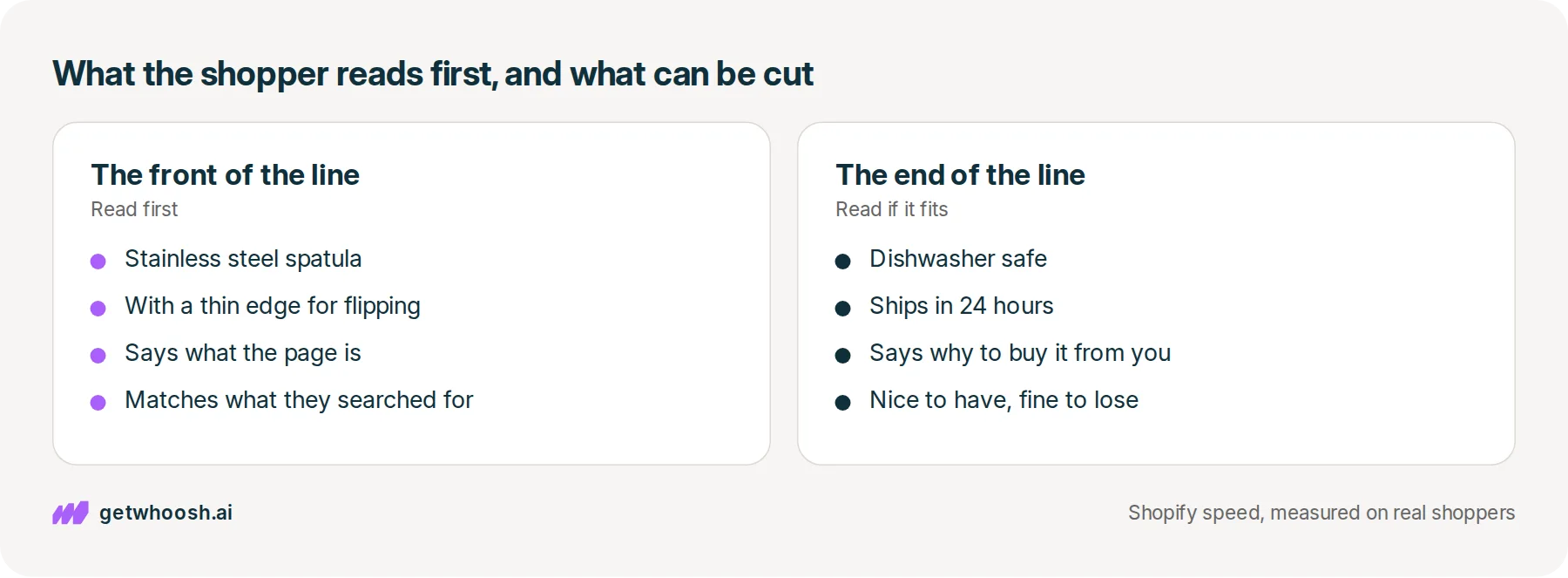
That is the meta description example worth copying the shape of. The first sentence says what it is, in the words someone would search for. The second says why to buy it from you. A stranger reading it on a small screen knows this page is the spatula before they tap.
What that line is, and where Shopify keeps it
So where does the line under the link come from? Each product in your Shopify admin has a box for it, in a section near the bottom of the product called Search engine listing. Whatever you type there stays off the product page itself, so a shopper looking at the spatula on your store never sees it.
It is written for the other shopper, the one still in Google with sticking eggs, deciding which link to tap. People who build websites call that line a meta description.
Shopify already covers you if the box is empty. Shopify’s guide says Google can build the line from what is visible on the page, and on a product the product description can stand in for it. So your spatula already has something under its link. The question is whether it is a line you chose, or the first words of a description you wrote for someone who had already arrived.
Google also makes the final call on which words appear. Google’s page on snippets says it mostly picks the words from the page itself, and uses your meta description when it describes the page better than the rest of the content does. That gives you a clear job: write the line that describes the spatula better than anything else on the page.
Check your store's real numbers
The free Whoosh audit measures your store on real shopper data, names the scripts in the way, and estimates what the delay is costing. No install, about a minute.
Free. No install. Results in about a minute.
Why the first words have to name the spatula
Here’s the awkward part. The shopper may never see the end of your line. Google’s page says there is no limit on how long a meta description can be, but the line in the results is cut to fit the width of the device, and a phone held in one hand is not very wide.
Shopify’s guide recommends about 160 characters, and says to put the most important information first because Google may show a shorter line. Writing more does not get you penalised. It only means the useful part can fall off the end.
Read the spatula example again with that in mind. “Stainless steel spatula with a thin edge for flipping” comes first, and it is the part that answers the person with the sticking eggs.
“Dishwasher safe and ships in 24 hours” is the reason to buy it from you, and it is a bonus if it fits. If the phone cuts the line after “flipping”, the shopper still knows this link is the spatula.
I know what some of you are thinking. If Google can ignore my line anyway, why bother writing one? Because Google’s page says it reaches for your line when it describes the page better, and a sentence that opens with the product and what it does gives Google that reason. Leave the box blank and you get whatever your product description happens to start with.
The same goes for pasting one line across the whole store. Google’s page says identical descriptions on every page are not helpful, because each page turns up in results on its own. A line about your whole kitchen range, sitting under the spatula’s link, does not tell the shopper this one is the spatula.
Write it in the admin, then make the page keep the promise
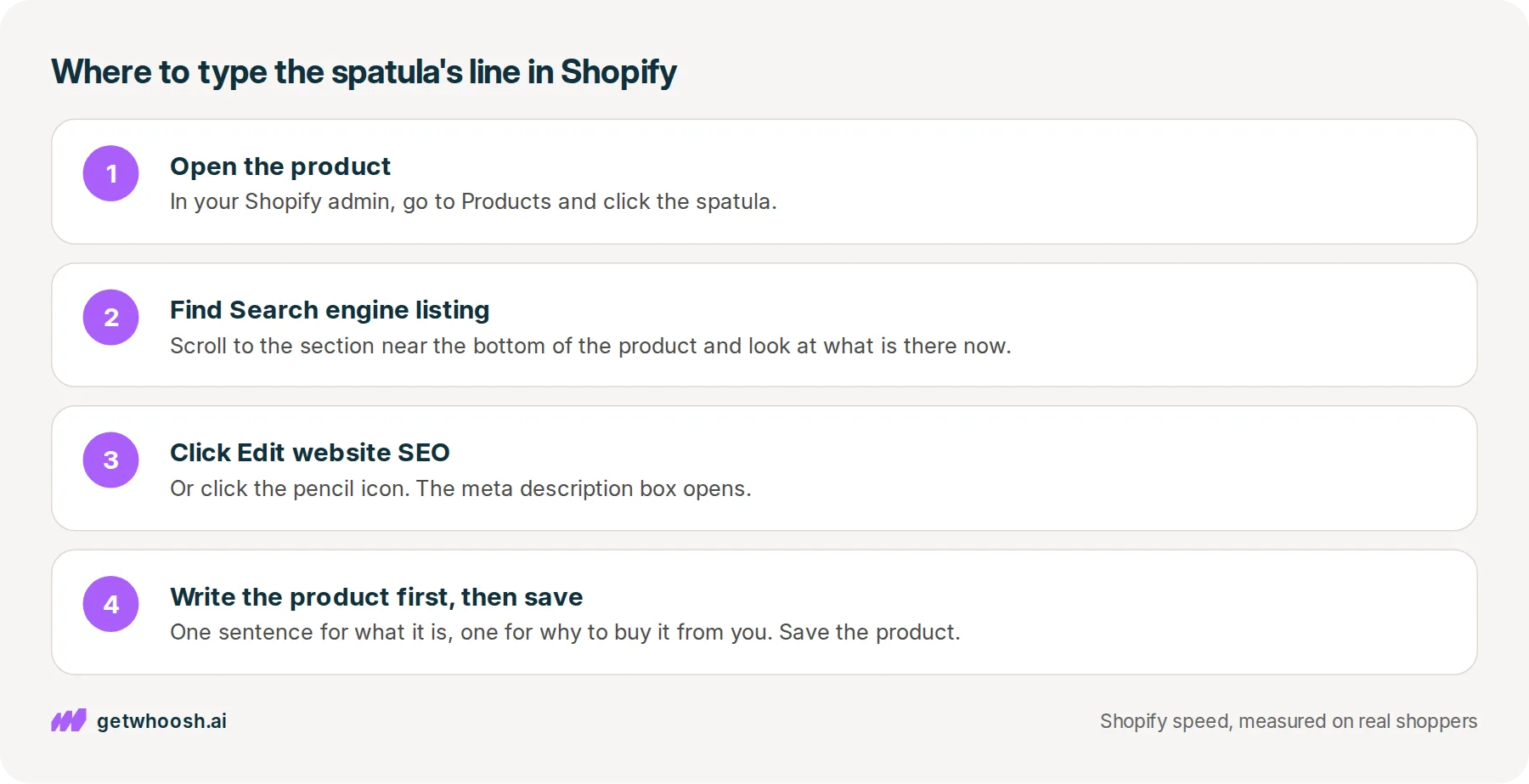
Let’s start with the spatula itself. In your Shopify admin, open Products and click the product, then scroll to the Search engine listing section and click Edit website SEO or the pencil icon, which is the way in that Shopify’s guide gives.
Look at what is in the meta description box before you type anything. If it is empty, Google is left to borrow from the page. If it is the same line you used on another product, it is not telling the shopper which one this is.
Now write two sentences. The first says what it is, in the words someone would search for, and the second says why to buy it from you. Read it back and ask one question: if the phone cut it after the first sentence, would a stranger know this page is the spatula? If yes, save the product.
Collections, pages and blog posts have the same Search engine listing section. Your homepage is the odd one out, and Shopify puts it under Online Store, then Preferences, in the Social sharing image and SEO section. If you have a lot of products, Google’s page suggests starting with the homepage and your popular pages, so begin with the handful that sell most and work down the list.
You can stop when each of those products has its own line that opens with the product. Google still decides when and whether to show it, so there is nothing more to tune once the line is honest and specific.
Now, the line earned the tap. What does the shopper see next? They open the product page expecting the stainless steel spatula they just read about. If the program behind an email signup popup starts first, they can get an empty box where the photo should be and a form asking for their email. The line under the link made a promise, and the page has to keep it.
That is the one job Whoosh does here. Smart App Loading holds apps like the signup popup until the product photo is on screen, without removing the app or copying your theme. Smart App Loading is US$99 a month with a 7-day free trial, and Nakie’s published case study shows the store’s load time falling from 4.8 seconds to 1.35 seconds.
If your popup is Klaviyo’s, the Klaviyo post shows how to see on one product page which arrives first, the photo or the popup. Or run our speed check on the spatula’s page and see what gets there before the photo does.
Questions merchants ask
Do I need to write one for every product in my store?
Not all at once. Google's page on snippets suggests that if you cannot do every page, start with the important ones, like your homepage and popular pages. Begin with the products that sell most, then write one each time you add something new.
Can I use the same line on all my products?
It is better not to. Google says identical descriptions on every page are not helpful, because each product shows up in results by itself. A shared line about your whole range cannot tell a shopper which link is the spatula.
Should I list all the words people might search for?
No. Google's own worse example is a string of words separated by commas. Use the words a shopper would type, inside a sentence that says what the product is and why to buy it from you.
Will shoppers see the meta description on my store?
Not on the product page itself. It shows in search results, and Shopify's guide says it is sometimes pulled into the preview when someone shares the link in a message or on social media. That is one more reason to open with what the product is.
Sources (3, checked 29 Sept 2026)
- 1 Google Search Central on controlling snippets in search results (developers.google.com, checked 29 Sept 2026)
- 2 Shopify on how to write meta descriptions (shopify.com, checked 29 Sept 2026)
- 3 Whoosh case study: how Nakie cut load times from 4.8s to 1.35s (getwhoosh.ai, checked 29 Sept 2026)
The spatula example and the admin steps come from Shopify's guide to meta descriptions, and what Google does with the line comes from Google's page on snippets. Both figures are drawn from those two pages, and the one store result is Nakie's published case study.
How posts are chosen, sourced, checked and corrected: our editorial policy.
Written by Edward Cameron Founder, Whoosh, Sydney, Australia
Edward Cameron is the founder of Whoosh, the Shopify speed app made in Sydney and on the Shopify App Store since August 2025. He writes here about what slows a Shopify product page and how to check it on your own store.
Keep reading
All posts
Agentic commerce 6 min read
What should your Shopify homepage meta description say?
A shopper searching for sustainable clothes reads one line under your homepage link before they tap. Here is what that line should say about your whole store, where Shopify keeps it, and what the homepage has to show next.

Agentic commerce 6 min read
What does a meta description generator do for a Shopify product?
Your spatula's Google line is blank, so you try a meta description generator. Here is what it drafts, where Shopify keeps that line, and the one read you do before you save it.

Agentic commerce 6 min read
What does a meta description checker tell you about your Shopify store?
You paste your spatula's link into a meta description checker and get a length score. Here is what that score reads, where Shopify already shows the same line, and why it is not the line Google prints.
